SubWallet
Start Staking
- Open the SubWallet extension and select Earning (bottom tab).
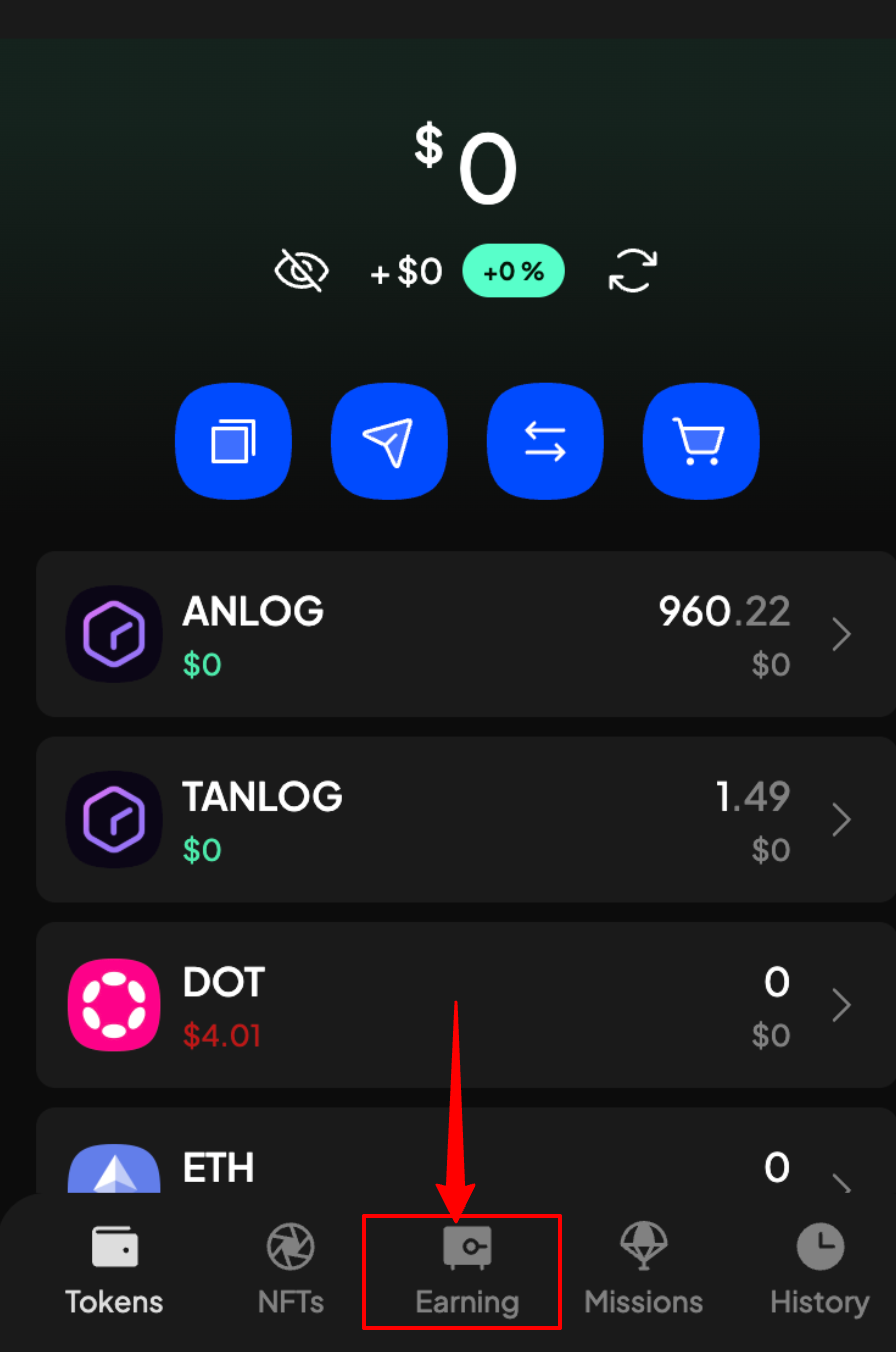
- Choose ANLOG from the list (use the search bar if needed).
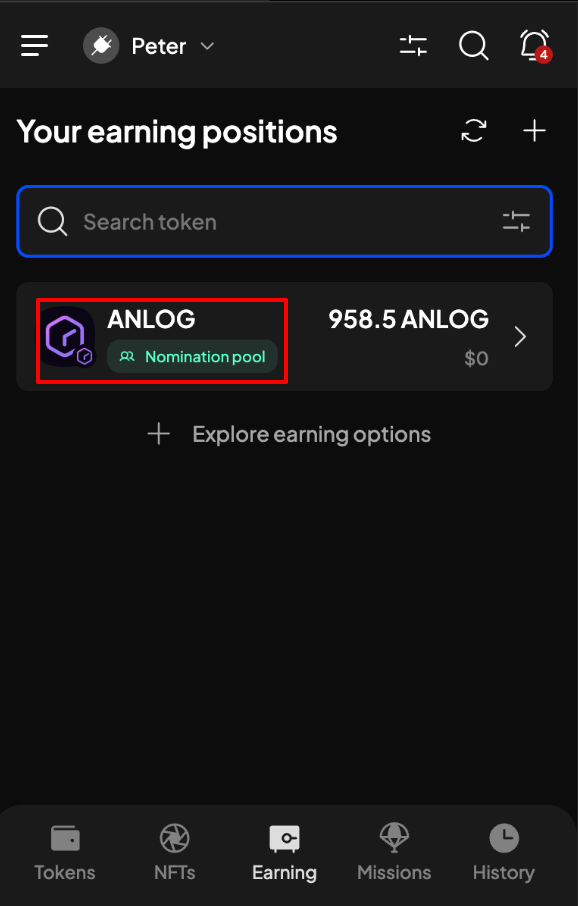
If you’ve staked ANLOG before, click the + icon on the “Your earnings position” screen to access staking options.
- Enter the ANLOG amount to stake, and ensure "Analog One-Bootstaking" pool is selected.
- Review staking details (i.e., Account Info, Nomination info, etc.), then click +Stake.
Check pool details (click the three-dot icon) and ensure your balance exceeds the minimum staking amount.
- Confirm details on the Add to Stake Confirm screen and click Approve.
Positions
Add More Stake
- Navigate to Earning > Your Earning Positions and select your stake.
- Click Claim Rewards > Continue.
- Confirm details and click Approve.